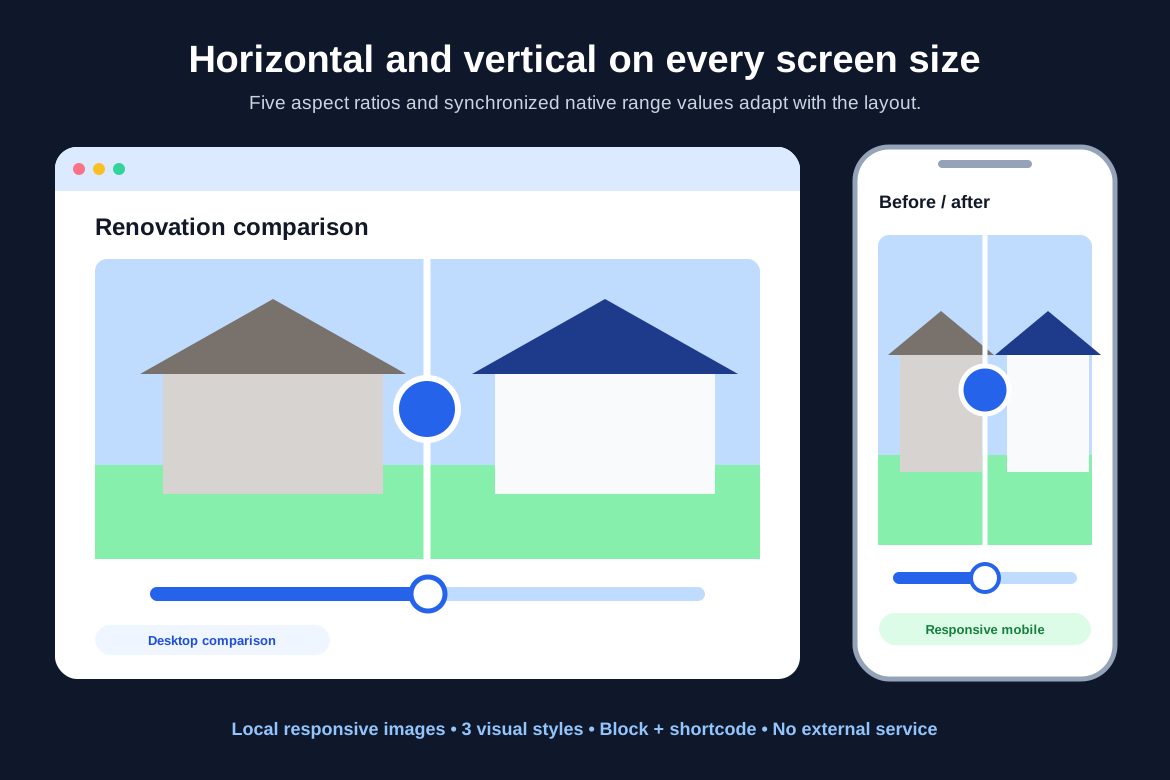
Public interactive demo

Accessible Image Compare for WordPress.

Explore horizontal and vertical before-and-after controls using the exact visitor-facing stylesheet and JavaScript shipped in version 0.3.0.

Two verified configurations

Different orientations, aspect ratios, styles, and label positions.

The images are local fictional demonstration artwork from the verified marketplace preview set. Each comparison starts at a different position and remains independent.

Horizontal high contrast

Wide comparison with prominent labels.

Drag or select anywhere across the artwork, then refine the reveal with the keyboard.
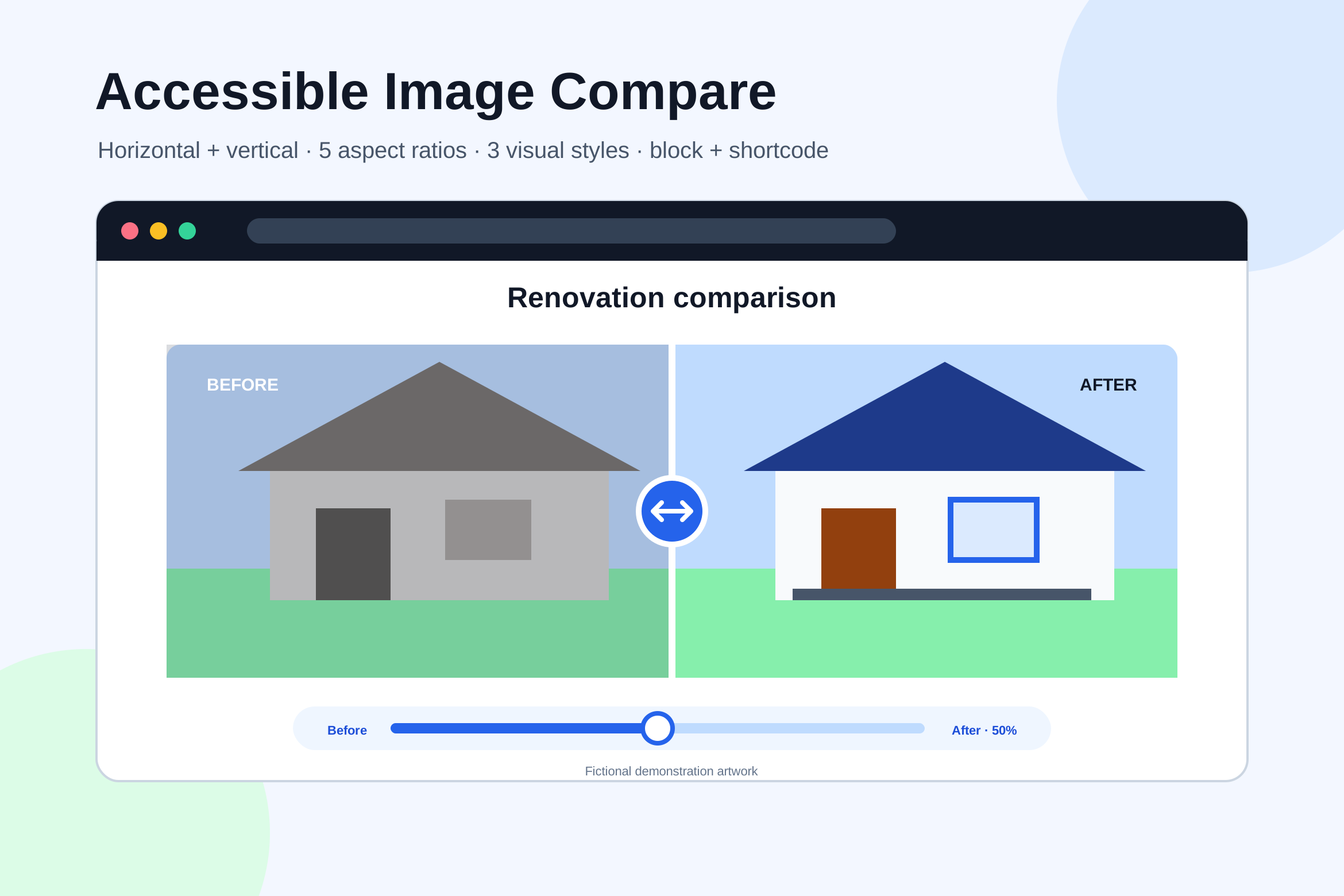
Original fictional image comparison cover artwork
Expanded fictional responsive image comparison artwork
OriginalExpanded
Drag, click, tap, or use the arrow, Home, and End keys to compare the images.
Horizontal16:9 wideHigh contrastLabels shownStarts at 42%

The expanded label and accessible percentage update as the reveal moves.

Vertical minimal

Classic 4:3 comparison with orientation-aware labels.

Move vertically to reveal the expanded artwork from top to bottom.

Original fictional image comparison cover artwork in a classic frame
Expanded fictional responsive image comparison artwork in a classic frame
OriginalExpanded
Drag, click, tap, or use the arrow, Home, and End keys to compare the images.
Vertical4:3 classicMinimalLabels shownStarts at 58%

Labels move to the top and bottom edges for the vertical orientation and can be hidden in plugin settings.

Input and accessibility

One synchronized value across every input method.

Pointer input updates the native range control. Keyboard users can focus either comparison and use standard range keys with a visible focus ring.

Drag, click, or tapSelect any point in the frame and continue dragging along the active orientation.
Arrow keysMove the reveal one percentage point at a time with the native range behavior.
Home and EndJump directly to the 0% or 100% boundary without simulated controls.

Presentation choices

Two orientations, five aspect ratios, and three visual styles.

Version 0.3.0 supports natural, square, 4:3, 16:9, and 3:4 framing; classic, high-contrast, and minimal treatments; custom or hidden labels; and local Media Library images.

  1. Choose local imagesAdd meaningful alternative text for both visual states.
  2. Set presentationSelect orientation, aspect ratio, style, labels, and starting position.
  3. Publish local outputThe dependency-free frontend runs without accounts, cookies, telemetry, or outbound requests.

Pre-publication boundary

This page is an interactive demonstration, not a checkout.

The marketplace listing is not public yet, so this page intentionally includes no purchase link. The examples use fictional local artwork and do not accept or transmit visitor content.